External wallet sign-in with Embedded Wallets
Embedded Wallets supports external wallet sign-in alongside social and passwordless methods. Users can authenticate with MetaMask, WalletConnect, Coinbase Wallet, and other supported wallets through a unified discovery and connection flow.
The connect-and-sign default, MetaMask Connect integration, and multi-wallet linking described below apply to Web SDK v11 (@web3auth/modal for JavaScript, React, and Vue).
Enable external wallets
To enable this feature, activate External Wallets from the Social Connections section in the dashboard.
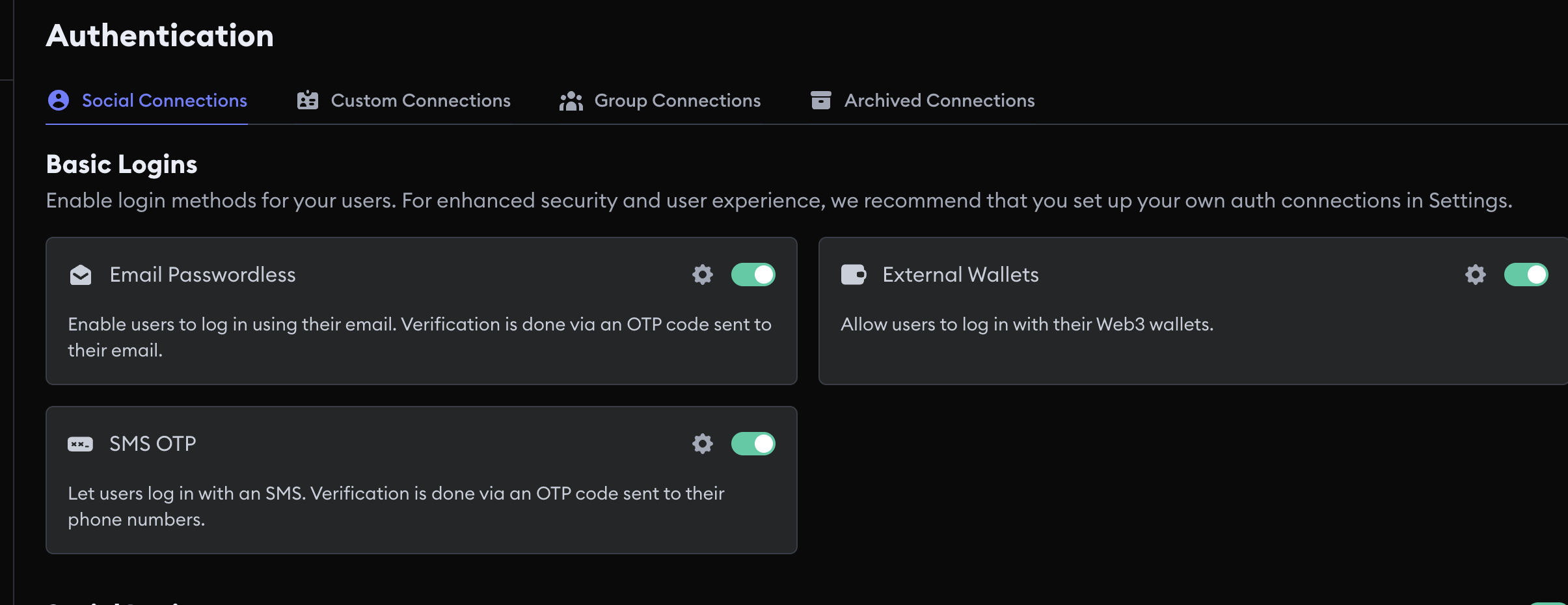
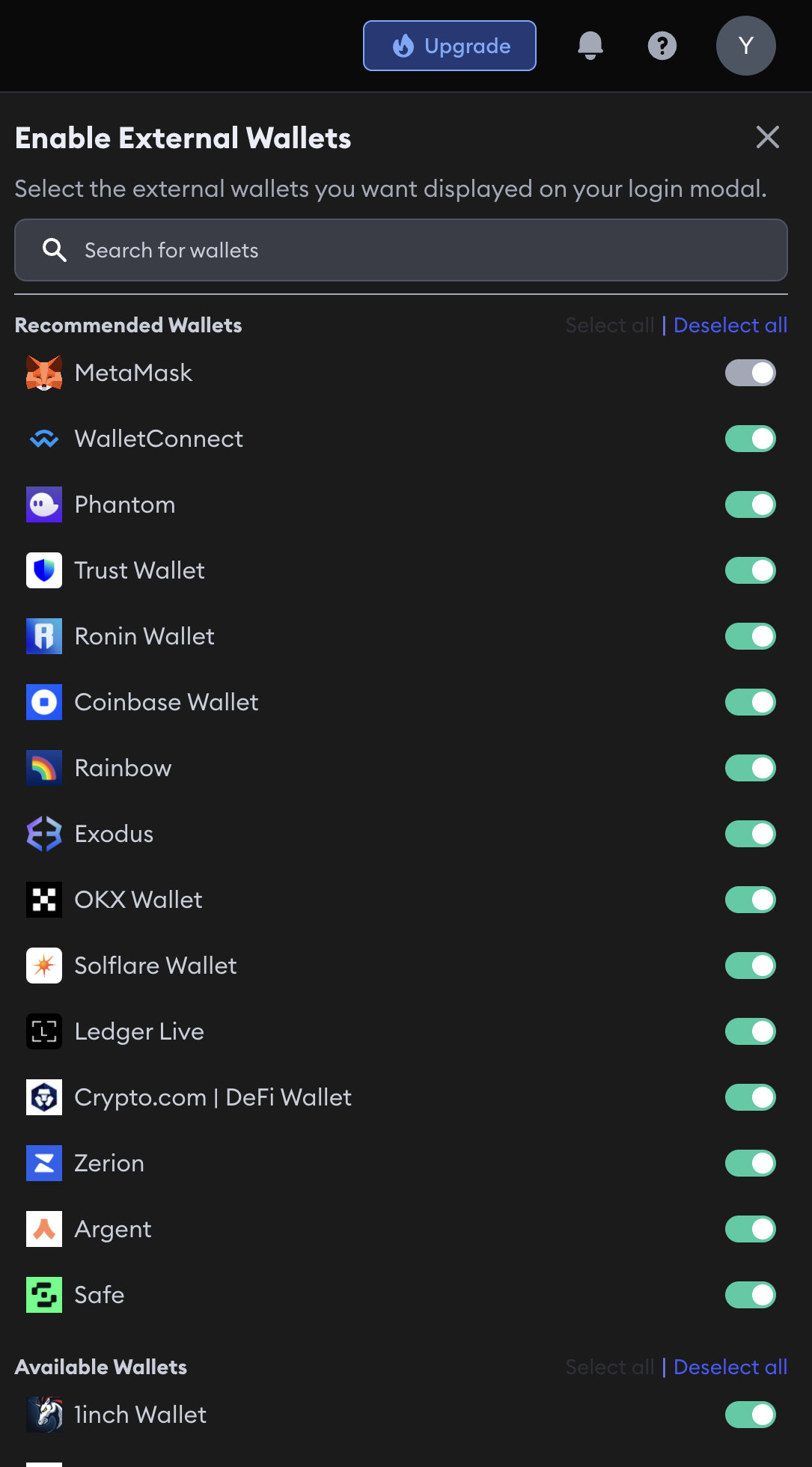
To choose which external wallets to enable, click the Settings icon next to the External Wallets toggle in the Social Connections section of the dashboard.
MetaMask Wallet is enabled by default and cannot be disabled.
A wide range of wallets are available to choose from.
Connect and sign (Web SDK v11 default)
Web SDK v11 uses connect and sign as the default external wallet authentication mode. Users sign a Sign-In with Ethereum (SIWE) style message during connection, so sign-in is one step instead of connect followed by a separate signature prompt.
Sessions persist across page reloads while tokens remain valid. See External wallet aggregator for SDK configuration.
MetaMask on mobile
The MetaMask connector in Web SDK v11 uses the MetaMask Connect SDK for more reliable mobile browser connections, including iOS Safari deep linking and session handoff between the browser and the MetaMask app.
Multi-wallet linking
Users who sign in with an embedded wallet method can link additional external wallets to the same account. See Multi-wallet linking and switching.
Next steps
- External wallet aggregator: wallet discovery, connect-and-sign, and MetaMask Connect details
- Session management: how sessions persist across reloads
- Access control: restrict who can sign in